◢ The stack

◢ The build · 5 steps · 18 min
Follow these in order. Don't skip.
01
Step 01 / 05
Why OpenCode (and when to pick it over Claude Code)
- ▸Open-source — you can read every line, fork it, run it air-gapped
- ▸Provider-agnostic — Anthropic, OpenAI, Groq, Together, Ollama (local), all from one config
- ▸Same TUI vibe as Claude Code — slash commands, plan/execute mode, MCP support
- ▸Pick OpenCode when: you need on-prem, you want to A/B providers, you want to run a local model on a laptop with no API
- ▸Stick with Claude Code when: you're shipping fast and don't care about the abstraction layer
02
Step 02 / 05
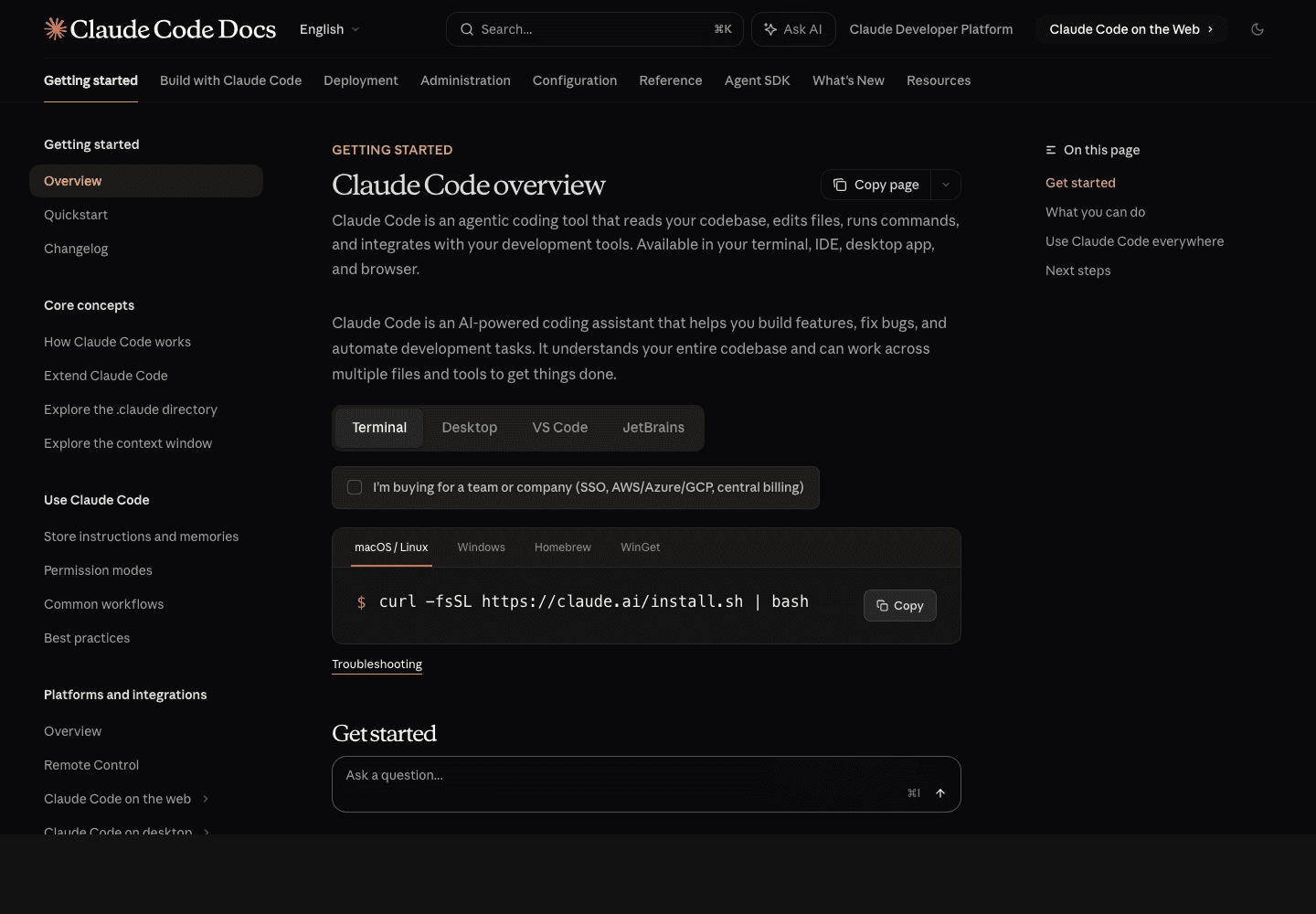
Install OpenCode
Terminal
1# macOS / Linux — official installer2curl -fsSL https://opencode.ai/install | bash3 4# Or via npm5npm install -g opencode-ai6 7# Verify8opencode --version03
Step 03 / 05
Configure your provider — Anthropic, OpenAI, or local
~/.config/opencode/opencode.json
1{2 "$schema": "https://opencode.ai/config.json",3 "model": "anthropic/claude-sonnet-4-6",4 "provider": {5 "anthropic": {6 "options": { "apiKey": "sk-ant-..." }7 },8 "openai": {9 "options": { "apiKey": "sk-..." }10 },11 "ollama": {12 "options": { "baseURL": "http://localhost:11434/v1" }13 }14 },15 "permissions": {16 "edit": "ask",17 "bash": {18 "git status": "allow",19 "git diff *": "allow",20 "npm run *": "allow",21 "rm -rf *": "deny",22 "*": "ask"23 }24 }25}◆ Heads up
Switch models inline: opencode --model openai/gpt-5 — same session, different brain. Useful for A/B testing reliability across providers.
04
Step 04 / 05
Run a local model with Ollama
The whole point of OpenCode: $0 inference once you're on a local model.
Terminal
1# Install Ollama2brew install ollama3 4# Pull a coding-tuned model5ollama pull qwen2.5-coder:32b6 7# Or NousResearch's Hermes (agentic-tuned)8ollama pull nous-hermes-2:34b9 10# Start the Ollama server11ollama serve12 13# Now point OpenCode at it14opencode --model "ollama/qwen2.5-coder:32b"◆ Watch out
Local models are 80% as good as Sonnet on routine code tasks and 30% as good on complex refactors. Use them for boilerplate. Use Claude/GPT-5 for the hard stuff.
05
Step 05 / 05
AGENTS.md works in OpenCode too
Same convention as Codex CLI — drop an AGENTS.md at your repo root. OpenCode reads it on every session. The format is identical, so a single file works for Codex AND OpenCode.
◆ Ship-it checklist
6 CHECKS
- OpenCode installed
- At least one provider configured (Anthropic OR OpenAI)
- Optional: Ollama + a local model wired in for free inference
- Permissions config tuned (read-only auto-allow, destructive deny)
- AGENTS.md at your repo root
- You ran the same task on two providers and compared outputs