◢ The stack

◢ The build · 6 steps · 30 min
Follow these in order. Don't skip.
01
Step 01 / 06
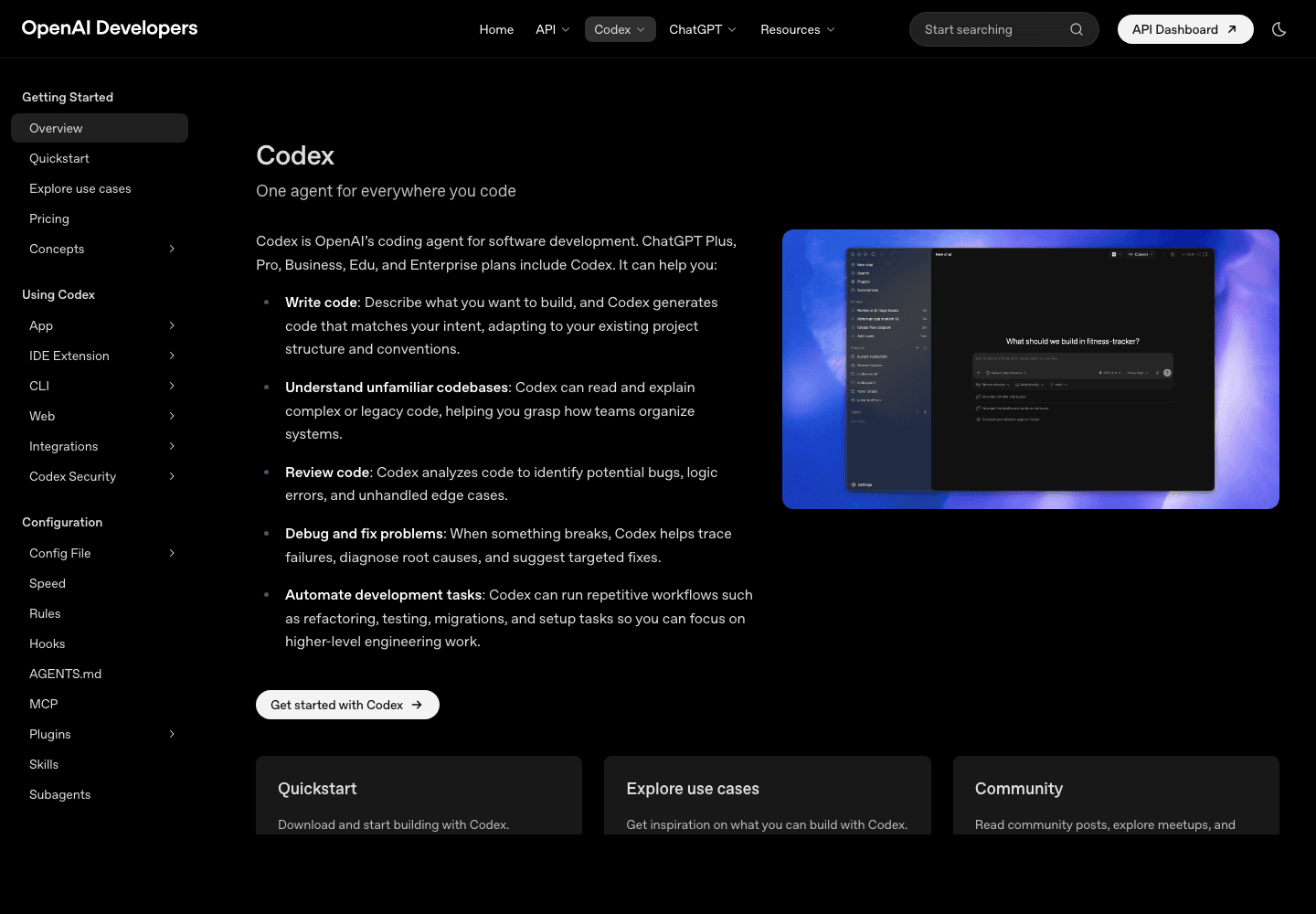
Install Codex CLI and authenticate
STEP 01
Terminal
1# 1. Install via npm2npm install -g @openai/codex3 4# 2. Sign in (opens browser, uses your ChatGPT Plus)5codex login6 7# 3. Verify8codex --version9 10# 4. Pick the model — gpt-5-codex is the default, you usually want it11codex config set model gpt-5-codex◆ You're done when
Auth uses your ChatGPT Plus/Pro subscription — no separate API billing for the CLI. If you hit caps, you can switch to API mode in settings.
02
Step 02 / 06
Trust your repo (one-time per project)
Codex won't touch a repo until you mark it trusted. This is the safety boundary.
Terminal
1cd ~/projects/my-saas2 3# Trust this repo for Codex4codex5# → in the TUI, press / and run /trust6 7# Or set the auto-approval mode for read-only commands8codex config set approvalMode "on-failure"- ▸approvalMode: untrusted → asks for every action (slow but safe)
- ▸approvalMode: on-failure → auto-runs safe commands, asks only when something fails (recommended)
- ▸approvalMode: full-auto → autonomous mode (only for sandboxed agents)
03
Step 03 / 06
AGENTS.md — Codex's onboarding doc
Same idea as Claude Code's CLAUDE.md. Codex reads AGENTS.md at repo root on every session.
AGENTS.md
1# AGENTS.md — Codex briefing2 3## What this repo is4A Next.js 16 SaaS for [your product]. App Router. TypeScript. Tailwind v4.5 6## Build + run7- `npm run dev` — http://localhost:30008- `npm run lint` — must pass before commit9- `npm run test` — Vitest, runs in <30s10- `npm run build` — clean production build11 12## Conventions13- Server Components default, `'use client'` only when needed14- Imports use `@/*` alias for `./src/*`15- Server-only files import from `@/lib/server/*`16- Public env vars must be `NEXT_PUBLIC_*`, others are server-only17 18## Important: do NOT19- Commit .env or .env.local20- Run destructive git commands without asking21- Add dependencies without flagging them22- Touch supabase/migrations/ — those run in production23 24## Where to look first25- API endpoints: src/app/api/**/*.ts26- DB queries: src/lib/db/*.ts27- UI components: src/components/◆ Heads up
Codex prioritizes AGENTS.md over training-data assumptions. Encode anything weird about your stack here — it'll save 30 minutes per session.
04
Step 04 / 06
Custom slash commands in Codex
.codex/prompts/ship.md
1Run before I push a PR:2 31. `npm run lint` — fix every warning42. `npm run test` — all green53. `npm run build` — no errors64. `git diff main` — scan for debug logs, hard-coded URLs, secrets75. Stage staged changes, write commit message in conventional-commits style86. Push to current branch97. Open PR with: title, what changed, why, how I tested10 11If any step fails, STOP and report.Now /ship works in any Codex session inside this repo.
05
Step 05 / 06
MCP servers in Codex
Codex supports the same MCP standard as Claude Code. Connect once, available in every session.
Terminal
1# Edit ~/.codex/config.toml2[mcp.servers.supabase]3command = "npx"4args = ["@supabase/mcp-server"]5env = { SUPABASE_ACCESS_TOKEN = "sbp_..." }6 7[mcp.servers.vercel]8command = "npx"9args = ["@vercel/mcp-server"]10env = { VERCEL_TOKEN = "..." }11 12[mcp.servers.github]13command = "npx"14args = ["@github/mcp-server"]15env = { GITHUB_TOKEN = "ghp_..." }Then Codex can run SQL against your Supabase, check Vercel deploy status, open issues — without you wiring API calls by hand.
06
Step 06 / 06
The autonomous loop — full-auto with guardrails
Once you trust your setup, you can hand Codex a task and walk away. The pattern that works: clear goal, explicit constraints, success criteria.
Terminal
1codex run "Add rate limiting to /api/contact.2 3Constraints:4- Use Upstash Ratelimit (already in deps)5- 5 requests per IP per minute6- Return 429 with Retry-After header7- Add a test in __tests__/api/contact.test.ts8 9Done when:10- The new test passes11- npm run lint is clean12- npm run build succeeds13- A PR is open with a clear description"◆ You're done when
This is the unlock. Tasks like this used to be 90 minutes of my time — now I write a 6-line prompt and check the PR 12 minutes later.
◆ Ship-it checklist
6 CHECKS
- Codex CLI installed and signed in via your ChatGPT plan
- approvalMode set to on-failure for daily use
- AGENTS.md describes your stack, commands, do-nots
- At least one /command in .codex/prompts/
- At least one MCP server in ~/.codex/config.toml
- You shipped a real PR through Codex without typing the code yourself